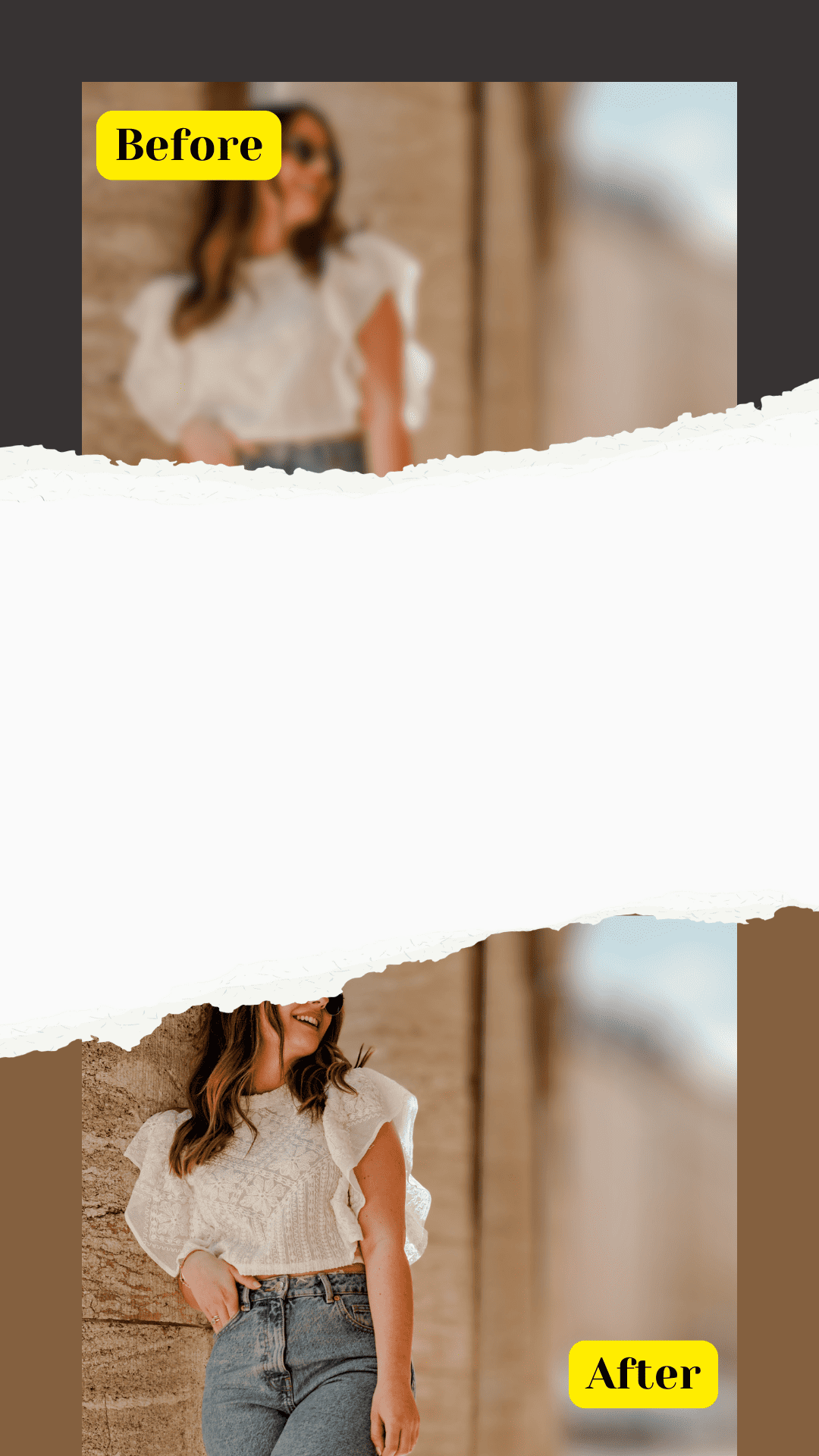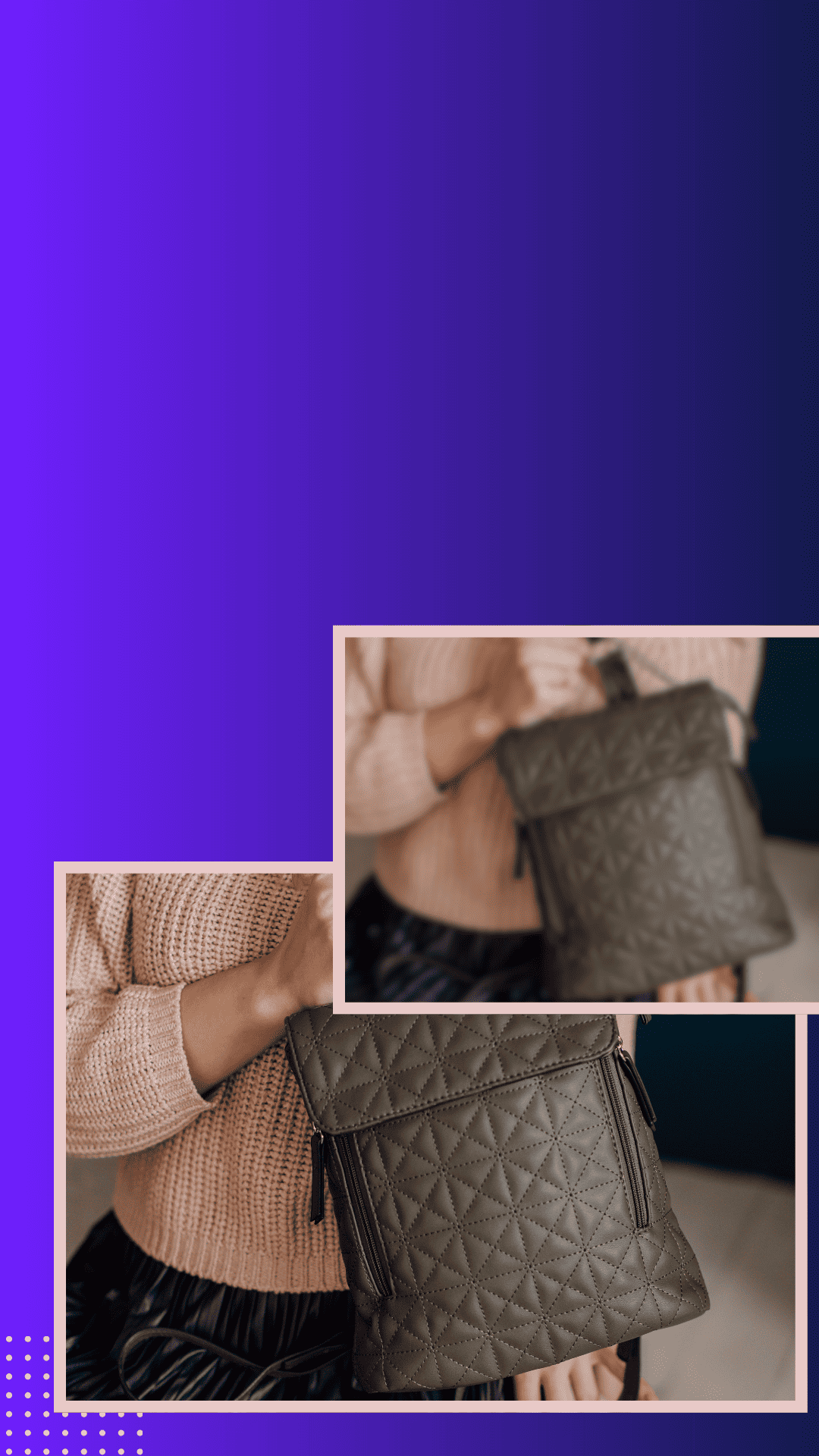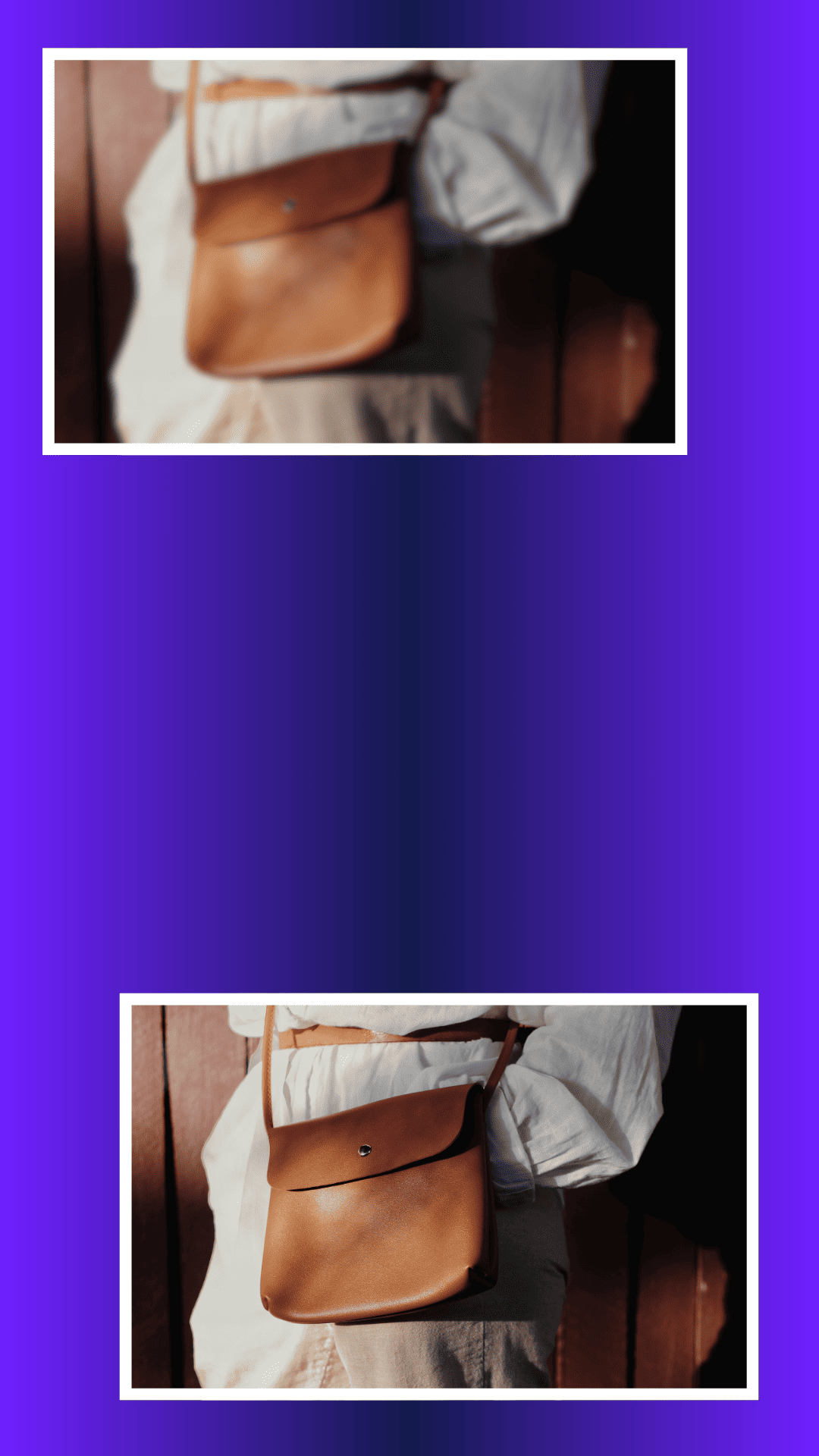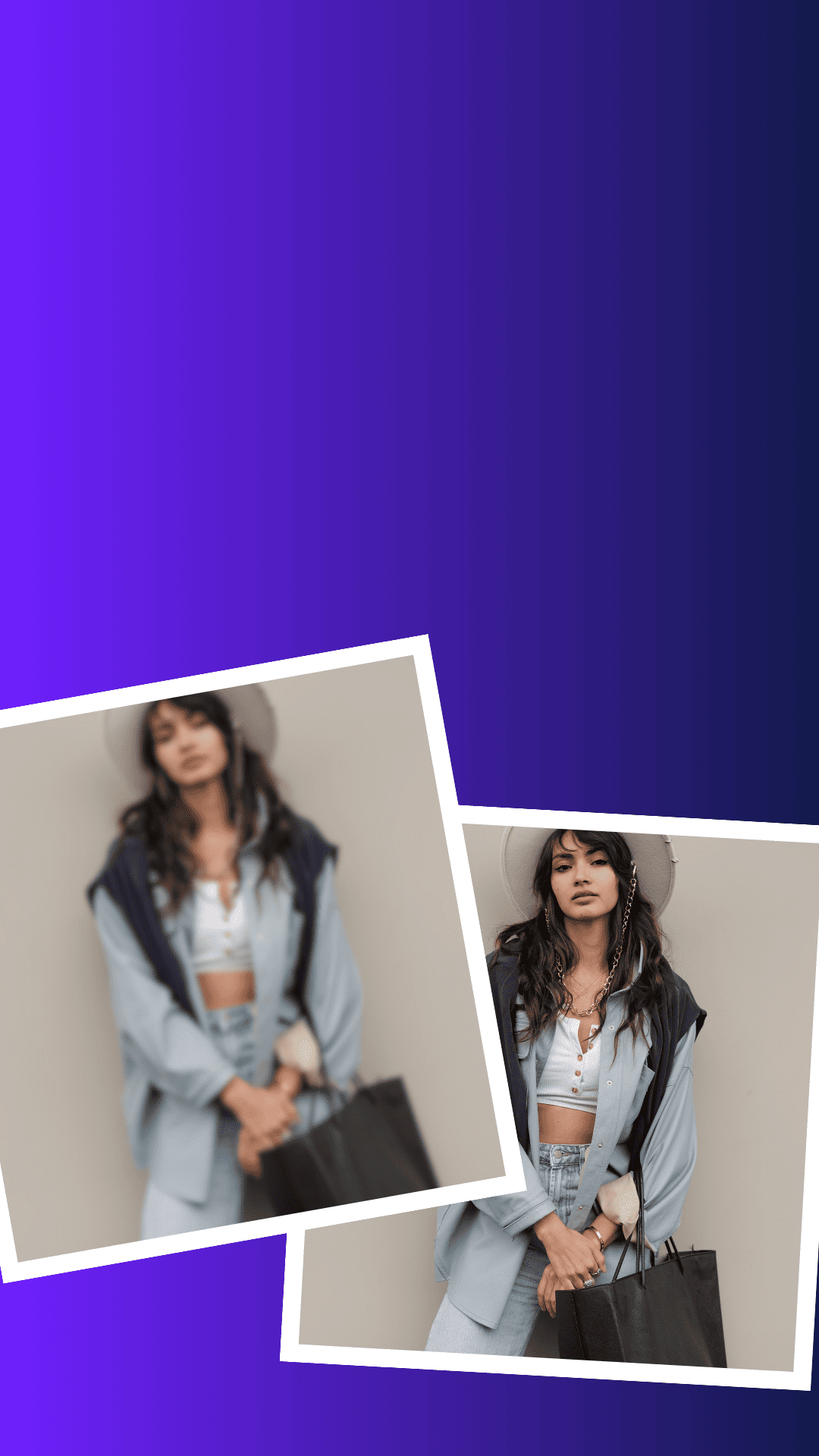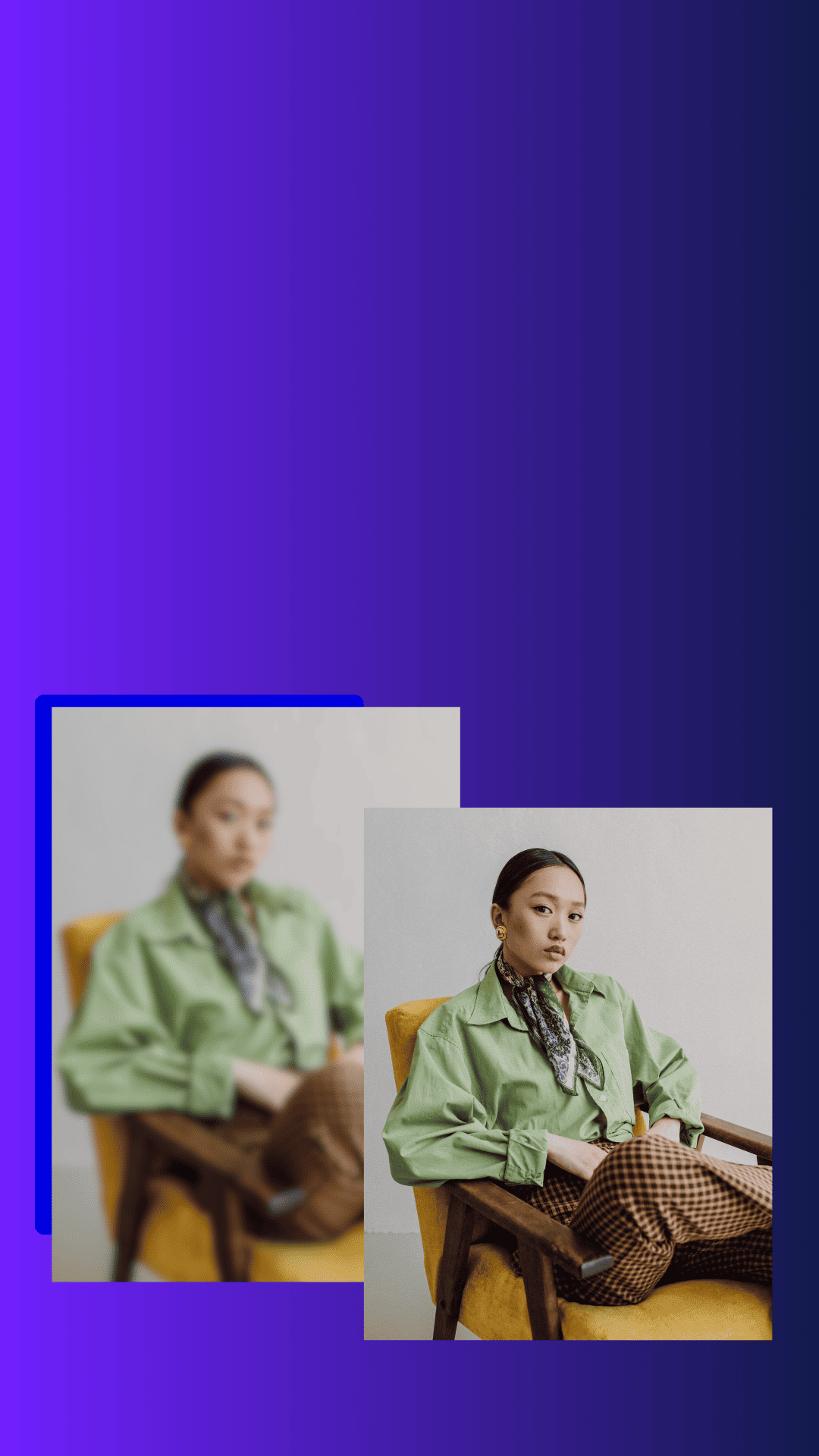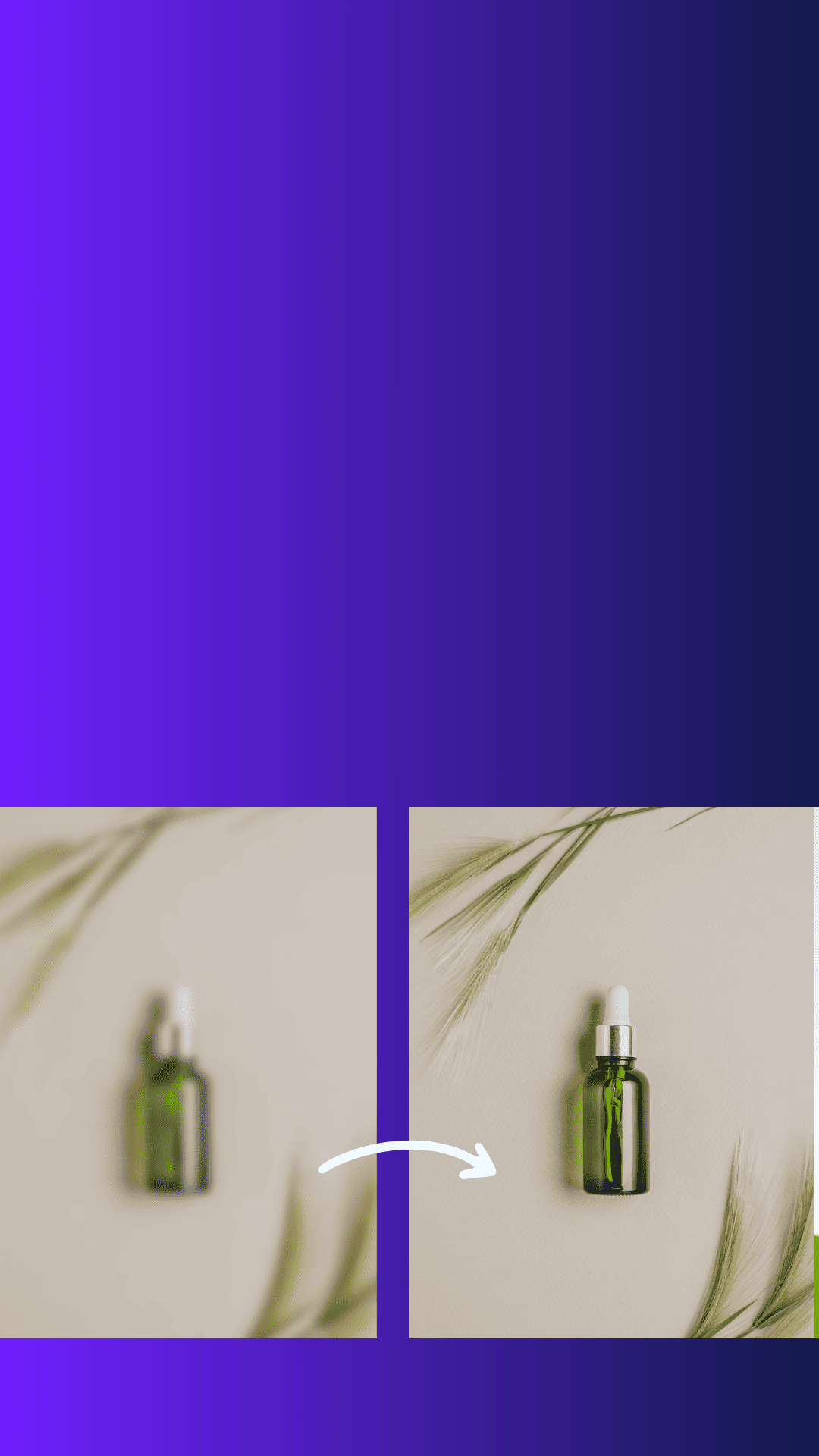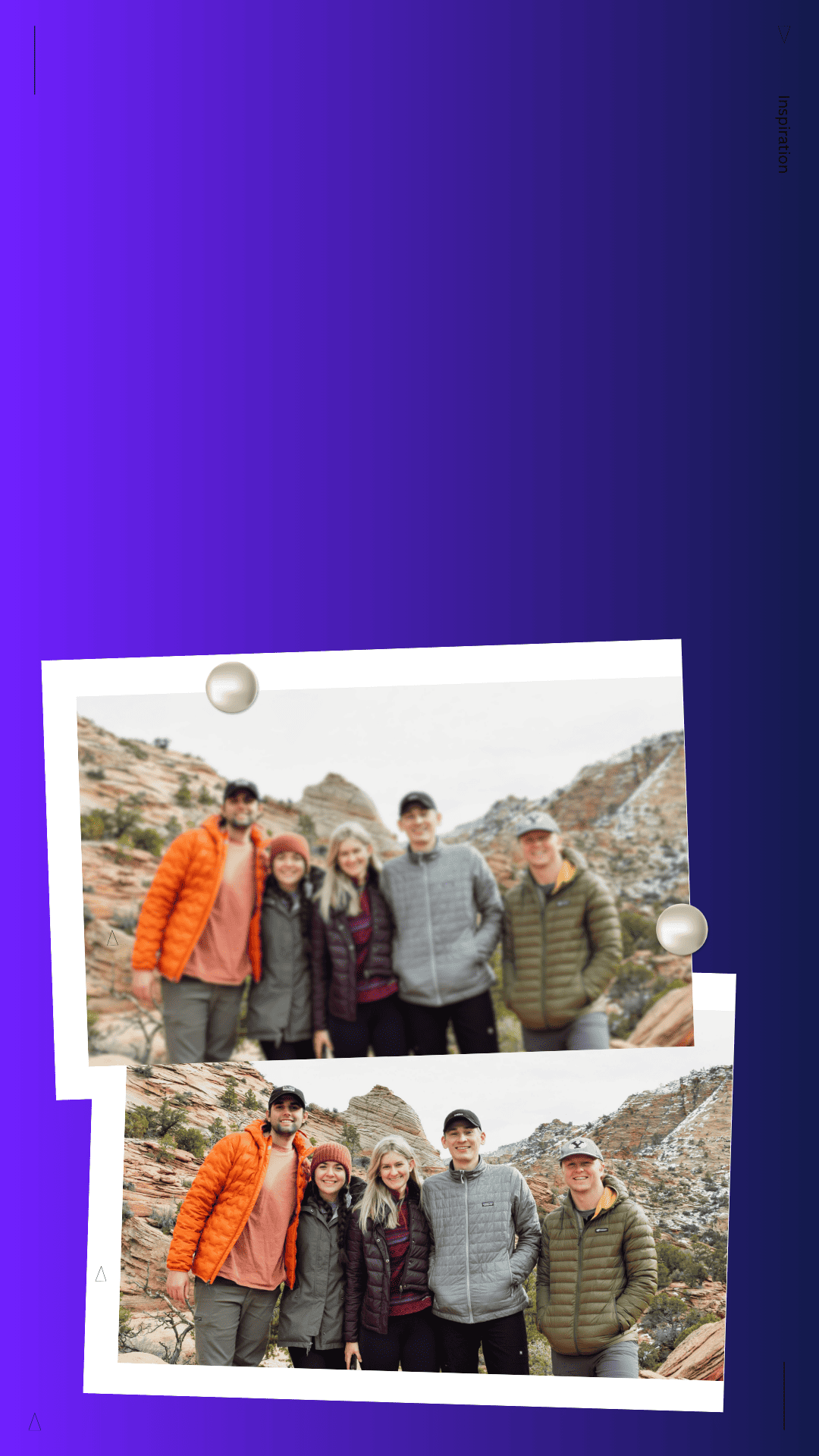
How Image Upscalers Fix Blurry Photos


Image upscalers can rescue soft, pixelated shots—by rebuilding detail and boosting resolution with AI.
It’s a tool that increases image size without making it look blocky—so your photo stays clean, sharp, and share-ready.
Common causes: low light, motion blur, shaky hands, low-resolution screenshots, or heavy compression from apps.
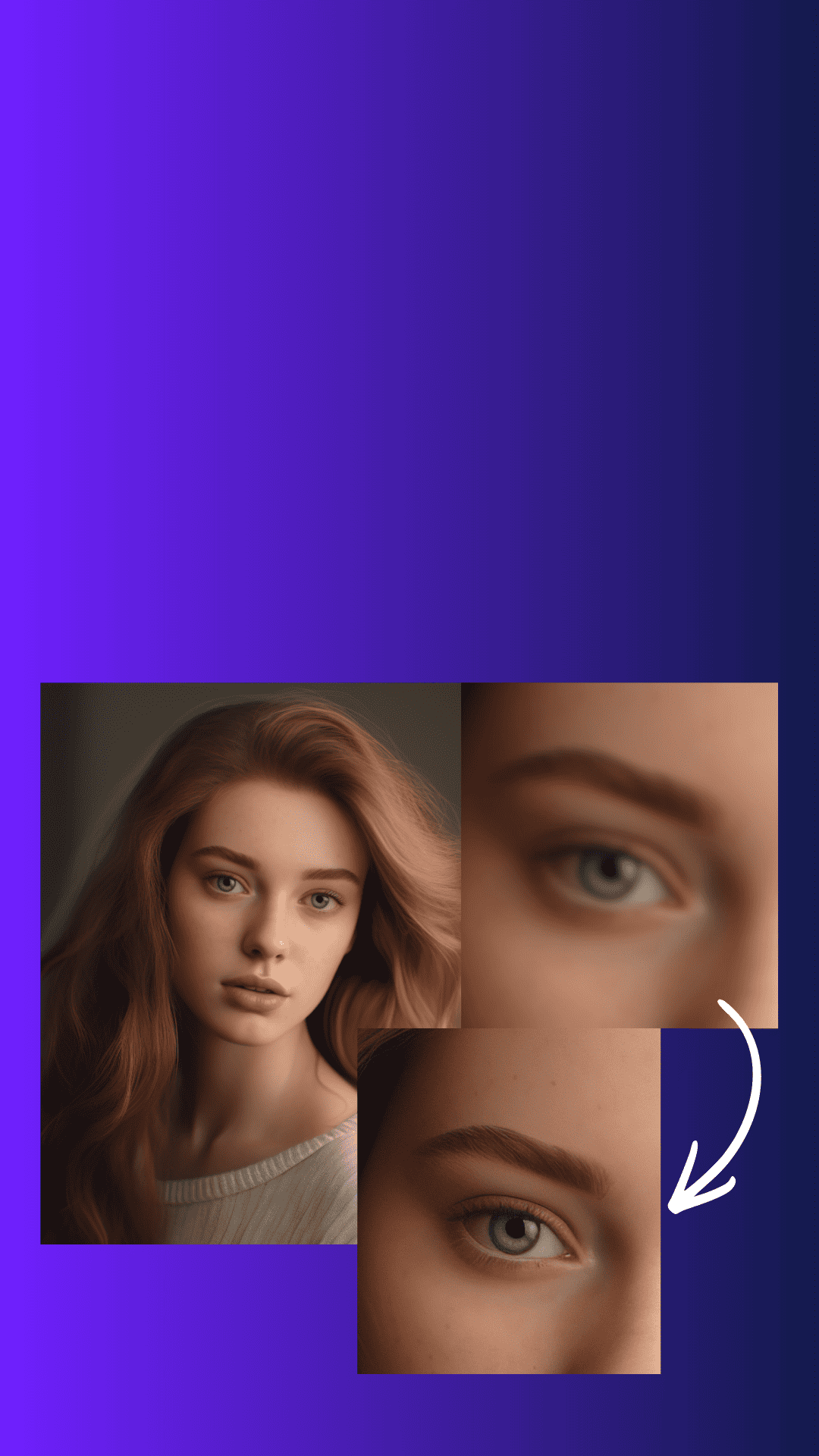
AI studies the image, predicts missing pixels, and rebuilds edges, textures, and fine lines—like hair strands and fabric details.
Sharpening boosts edges you already have. Upscaling adds new detail while increasing resolution—so it looks natural, not harsh.
Works great for product photos, portraits, old family photos, logos, and screenshots.
Start with the highest-quality version you have. Choose 2x or 4x. Use “enhance faces” only when needed.
Don’t upscale a tiny image 10x. Don’t stack filters. And don’t over-sharpen after upscaling—this causes weird halos.
Zoom into text, eyes, edges, and patterns. If details look smoother and clearer, your upscale worked.
If you create content for products or social posts, an AI upscaler is one of the fastest “quality upgrades.” Tools like Smartli can help you enhance images in seconds.
Looks like your cart is empty. Why not go ahead and add some products in?
Use the following gestures to browse story content